










Move it as it is
Same design, same content, same addresses, now in code you own. The quickest way off, and the one that costs least.
Good for
A site that already looks right and is only held back by the platform.
 see how workspan moved 400 pages off webflow
The code, the repository and the hosting, all yours. The design, the content and every old link
come with you, and your team keeps editing the site the day after the switch.

Both of Native's founders taught Webflow, recommended it to clients and built businesses on it. It was the right tool for its time. Then building with AI made its ceiling a daily cost: work that takes minutes in code still has to be redone by hand inside a platform that owns it.
Native moves companies off Webflow onto a stack they own outright: the code, the repository and the hosting. The design, every CMS item and every old link come along, so the search traffic you have earned is not left behind, and your team keeps editing the site afterwards, from a CMS, a visual editor or straight from Slack.
Your site
Flip it. Six things change, and the site your visitors see does not have to.
 Yours
Webflow
Capped by what your plan allows.
Every collection and every item, with no cap, in a CMS your team edits.
Yours
Webflow Inside the platform, and the export only goes one way.
In your repository, with every change on the record.
Yours
Webflow Theirs, at their price.
Your account, wherever you want it to live.
Yours
Webflow Every page carries the platform’s scripts and styles.
Only the code each page needs, so it loads fast.
Yours
Webflow Whatever the platform has a block for.
Whatever you are building: a calculator, an app, a product section.
Yours
Webflow Whoever knows their way around the Designer.
From a CMS, a visual editor, or a message in Slack.
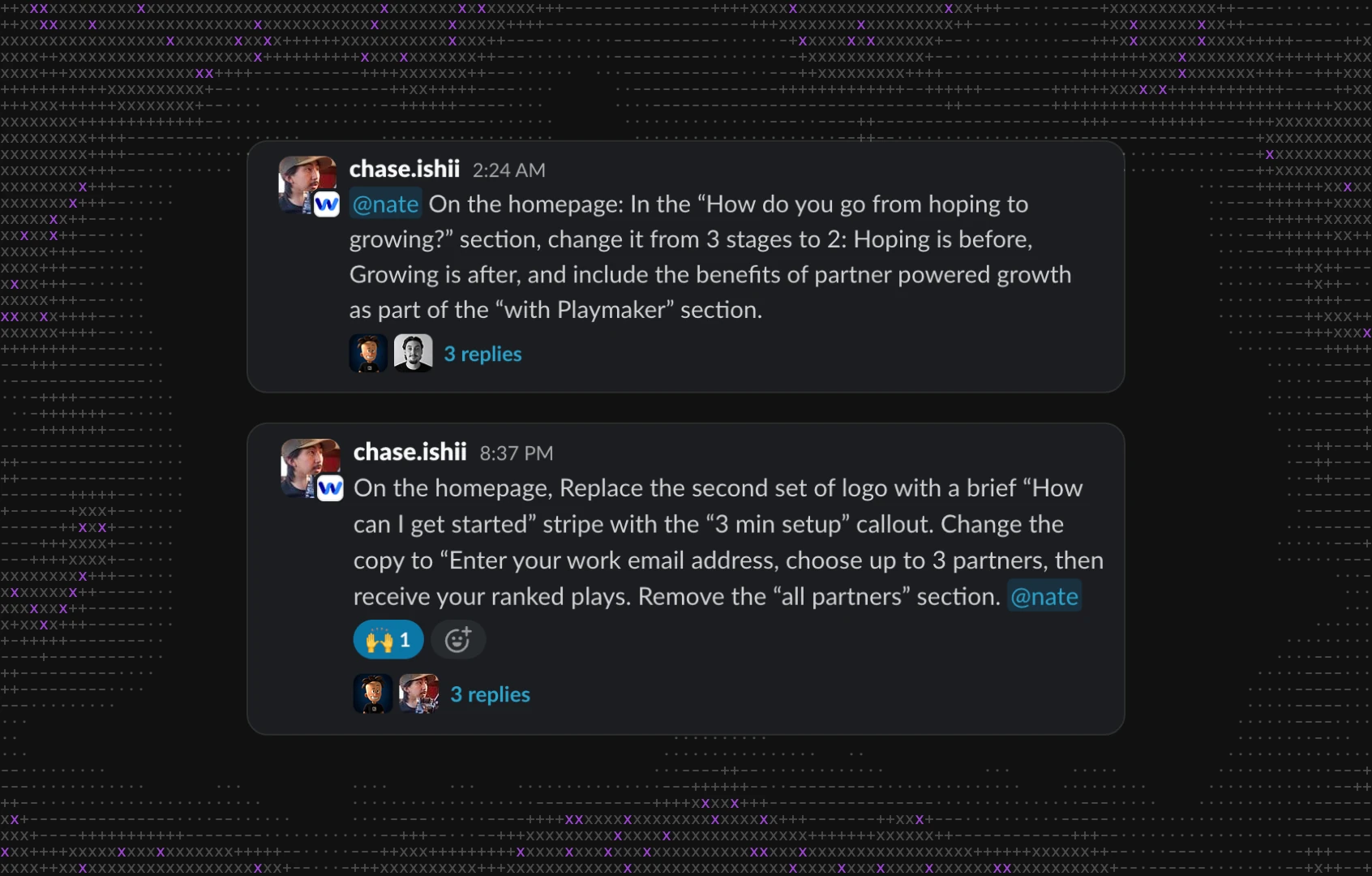
WorkSpan's site had been moving off Webflow for weeks when their new product needed to launch under the main address. So we switched the whole site over that morning: blog, events, customer stories, with every old link still landing where it should. Now their team edits it from Slack.


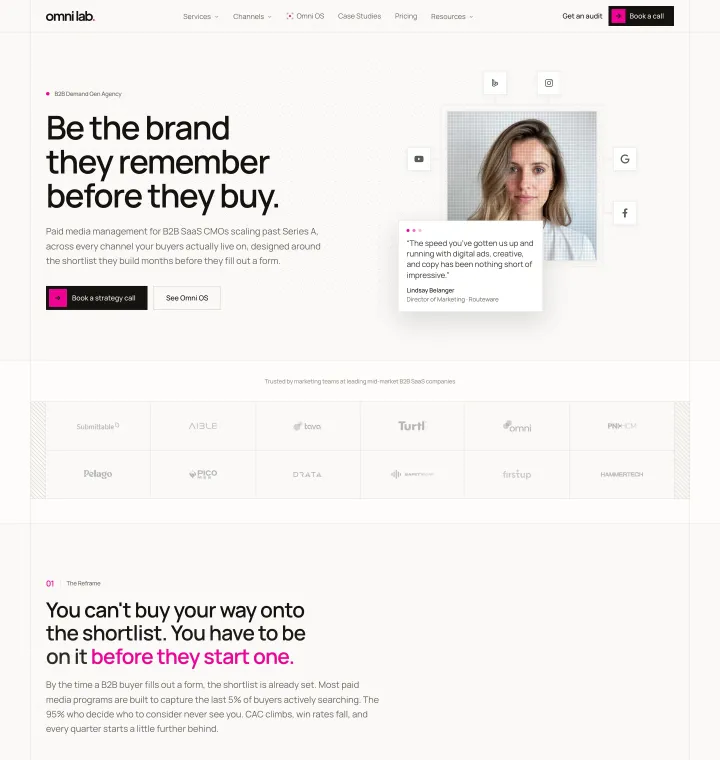
Omni Lab's Webflow site no longer looked like the company they had become, and years of blog posts and podcast episodes were doing real search work. We redesigned it, rebuilt it on Next.js and Sanity, and every post and episode kept the exact address it had before.
Thanks again to Bradford Huber and team for the amazing work on the website. Quite honestly, the best partner we've ever had.

Leaving Webflow does not have to mean a new website. If you like your site, we port it over exactly as it is, for a reasonable price. If it has been bothering you for a while, there is no better time to redesign than when it is being rebuilt anyway.
Same design, same content, same addresses, now in code you own. The quickest way off, and the one that costs least.
A site that already looks right and is only held back by the platform.
If the site has fallen behind the company, the move is the best time to fix it: you are rebuilding anyway. It costs more and takes longer, and you get both in one go.
A site that no longer looks like the company. Omni Lab did both in three weeks.
A move is only worth it if nothing gets left behind. Everything on the old site is listed before we start and checked again after the switch.
Moved over as it is, or redesigned on the way. Your call before anything is built.
Posts, case studies, events, authors. Listed and counted before the move, checked after it.
Same address where it can be, a redirect where it cannot. Nothing you have earned in search is left behind.
Same fields, going where they go today, and your analytics carry on without a reset.
Every site is different, so we stay flexible on how it works and what it costs. If the fit is right, we will find a way to make it work. The best place to start is a call.
Every page, CMS item, link, form and script, before anything moves.
On a preview link next to the live site, so you compare them side by side.
Redirects in, domain moved, and every old link checked after it is live.
About moving a site off Webflow. Anything else, ask us directly.
Any more questions?
get in touch Not if nothing gets lost on the way. Every page keeps its address where it can, and anything that has to move gets a redirect from the old one, so the links people and search engines already have still land. When Omni Lab moved, every blog post and podcast episode kept the exact address it had on Webflow.
It depends on the size of the site and whether the design changes. Omni Lab’s rebuild, redesign included, took three weeks from kickoff to live. WorkSpan’s site of around 400 pages was moved over a few weeks and switched over in a single day. We give you a timeline for yours before anything starts.
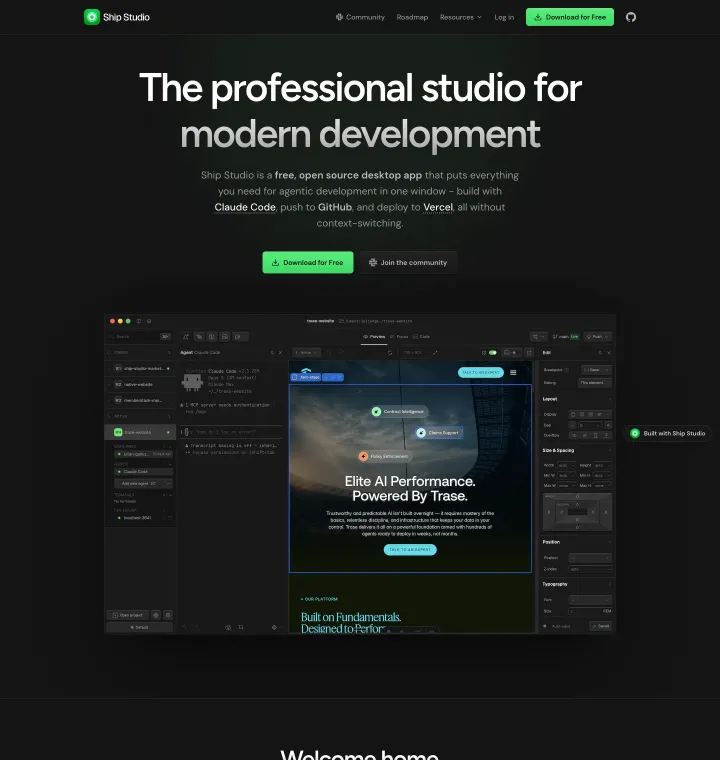
Yes. Content lives in a CMS your team edits, the way it did on Webflow. Some teams also ask for changes in Slack and get a preview back, and for design changes there is Ship Studio, the visual editor we built for editing a site that lives in code.
Yes. Moving a site as it is is the quickest and most affordable way off Webflow. Some teams use the move to redesign instead, which costs more and takes longer. We agree which before anything is built, and the new site sits on a preview link next to the old one until you are happy with it.
Whatever fits what you are building, usually Next.js or Astro with a headless CMS such as Sanity. Everything lives in your repository and your accounts, so if you ever stop working with us, you keep all of it.
Yes, the same way: everything listed first, rebuilt in code you own, every old link checked after the switch.
It depends on the size of the site and what changes on the way over. We are flexible for the right team, and you always see the number before anything starts. The quickest way to one is a 30 minute call.
